Social table games
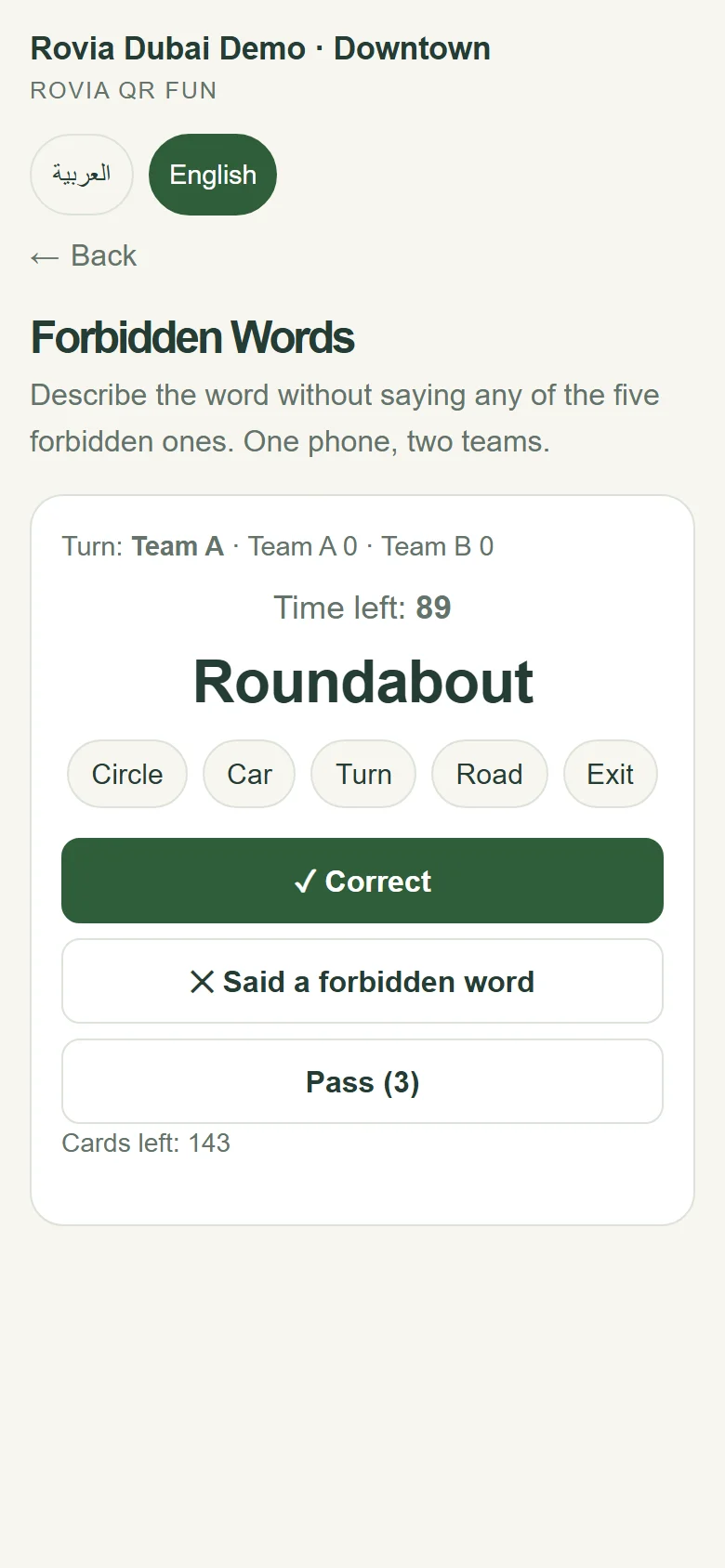
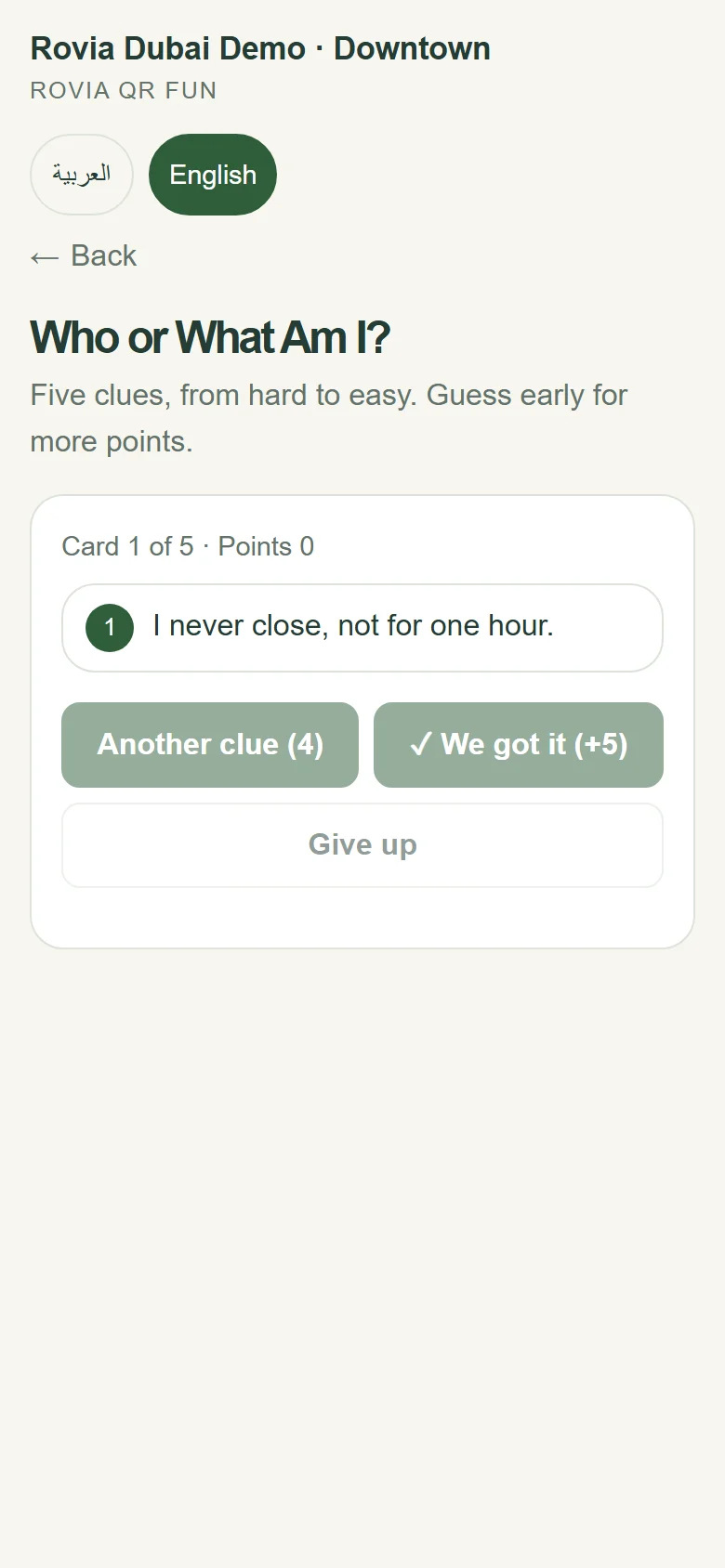
One phone is passed around the table. Groups play Forbidden Words and Who Am I? together, with the timer and score kept on screen.
ROVIA QR FUN
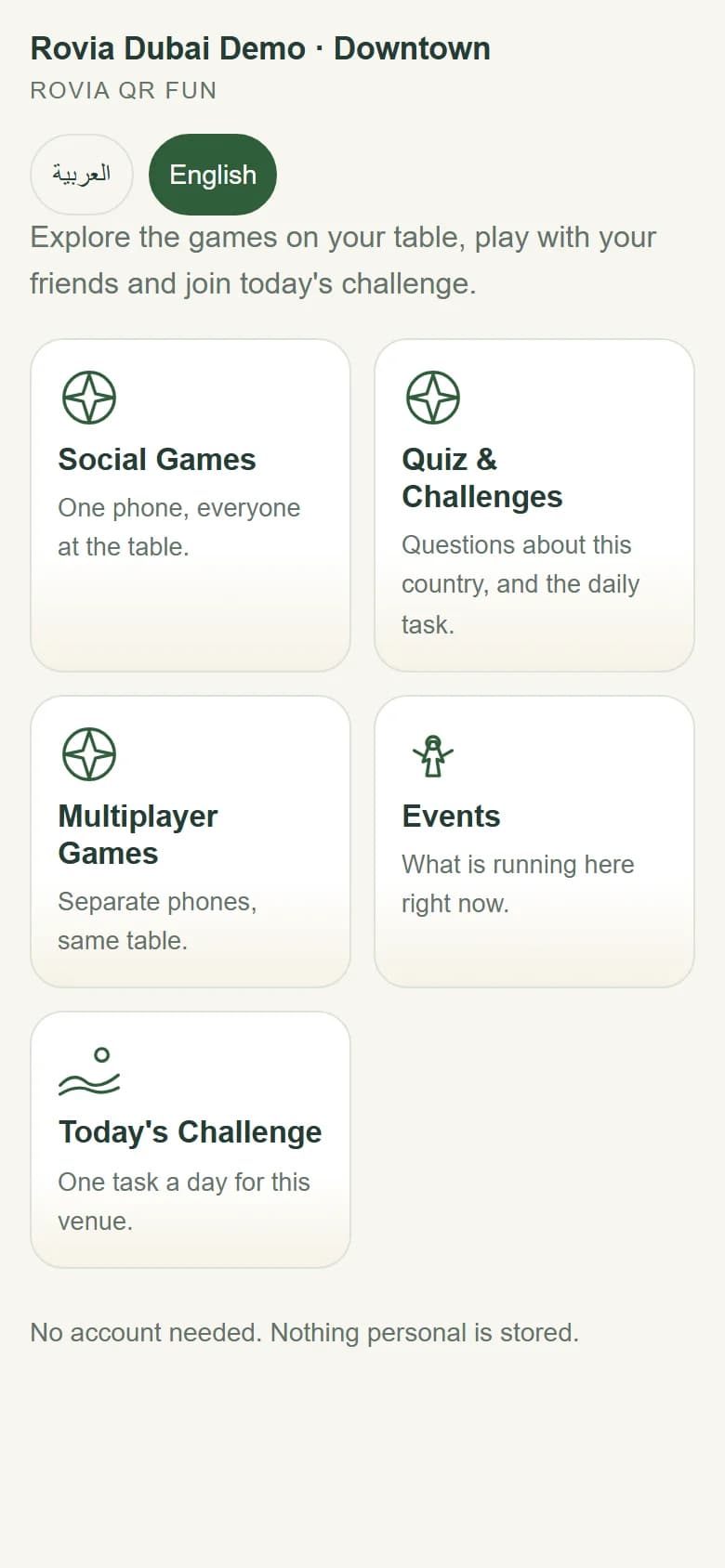
QR Fun adds games, quizzes, daily challenges, a campaign space and multiplayer table experiences to your venue, without replacing your existing QR menu, POS or ordering system. Guests do not need to download an app or create an account.
The live demo opens the Rovia Dubai Demo screen. It works best on your phone.
WHAT IS QR FUN?
QR Fun is a web-based game and engagement space that opens from a permanent QR linked to your venue. Guests open it in their phone’s browser; the page carries your venue name and shows games, quizzes, the daily challenge and, where enabled, a campaign space.
Rovia handles the setup and the content. Your venue does not need to run a separate system, train staff or buy hardware for QR Fun.
MODULES
Every module below is in use in QR Fun today. Which ones are switched on is decided for each venue.
One phone is passed around the table. Groups play Forbidden Words and Who Am I? together, with the timer and score kept on screen.
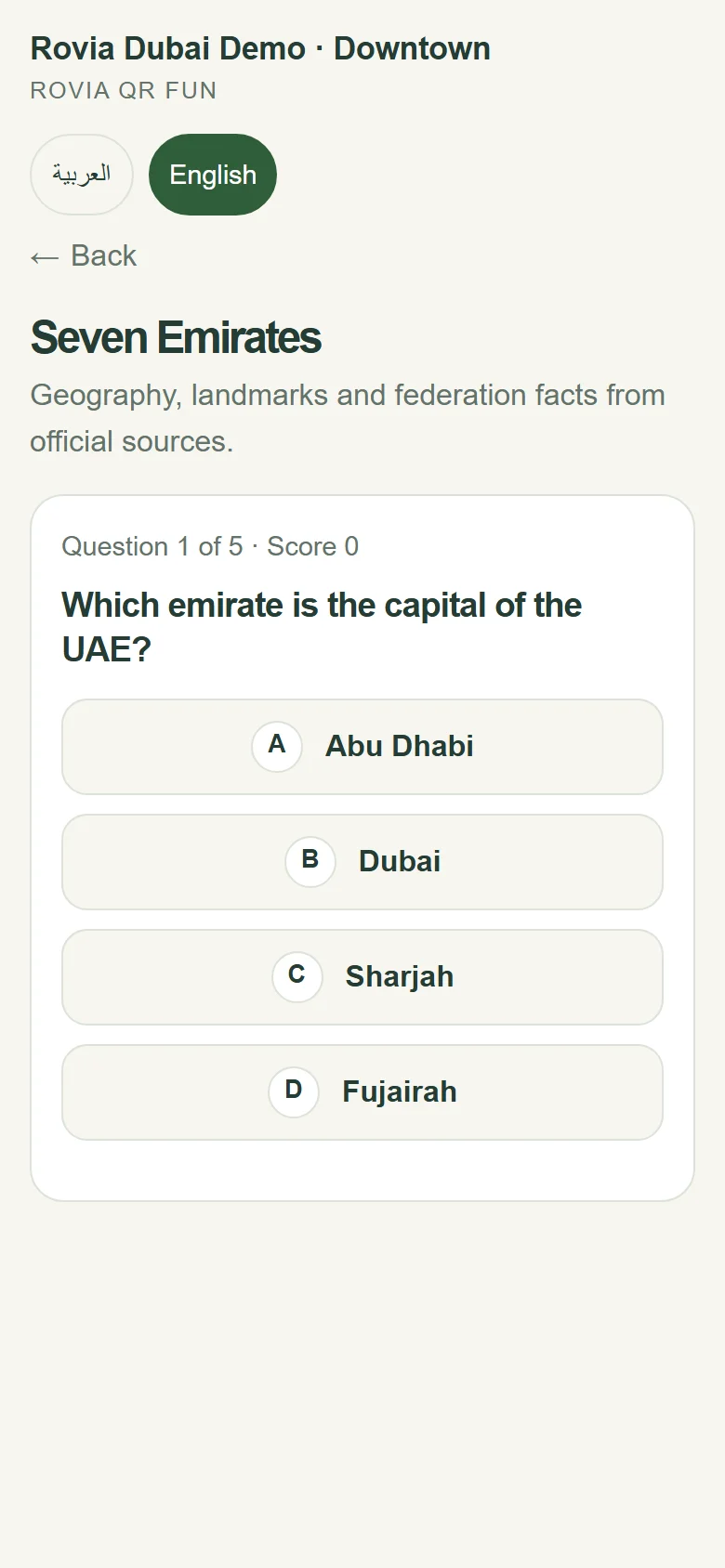
Short quizzes built from sourced questions on culture, landmarks, food and football. Answers are checked on the server; the correct answer is never sent to the phone in advance.
One task a day for your venue. Trying again the same day does not change the result, which gives guests a reason to scan again tomorrow.
Everyone at the table joins the same game from their own phone with a join code. Table Quiz Duel is played by 2–6 people; the Türkiye pack also includes 101 Okey and backgammon.
Optional module. Announcements, offers and coupon content for your venue are published in a separate area of the QR screen. This content is not managed from the venue panel; Rovia prepares, publishes and updates it.
Guests choose their language on screen. The interface can open in Turkish, English and Arabic, with the Arabic screen laid out right to left. The languages on offer depend on the country pack.
GUEST EXPERIENCE
A phone camera is all it takes. No app to download, no account to create.
The page carries your venue name and shows social games, quizzes, multiplayer games and today’s challenge.
The group plays on one phone, or everyone joins the same table from their own phone. Scores and timers stay on screen.
WHAT YOUR VENUE GETS
Gives the table something to do between ordering and service, and while waiting for the bill.
The table QR is no longer scanned only for the menu; it becomes a screen where guests spend time with your venue.
Today’s challenge changes every day, so the same guest can join again tomorrow.
Offers and announcements published by Rovia sit on the screen guests see when they open the games area.
Games run on their own. Setup, content and technical operations stay with Rovia; your venue panel only holds the QR and account details.
No account, sign-up or personal details. The game screen tells guests this plainly.
WITH YOUR CURRENT SYSTEM
QR Fun does not connect to your ordering, payment or menu system, and it does not replace them. What you use today keeps working as it is; QR Fun sits alongside it.
Stays as it is
No integration project needed
USE CASES
Forbidden Words and Who Am I? for groups of friends; today’s challenge for regulars.
Short quizzes for families and groups while the order is on its way.
Football quizzes before kick-off and at half-time; Table Quiz Duel between tables.
Country quizzes at the lobby, pool bar and restaurant; international guests can switch the interface to English.
Timed group games and quizzes at stands, waiting areas and event tables.
PRODUCT SCREENS
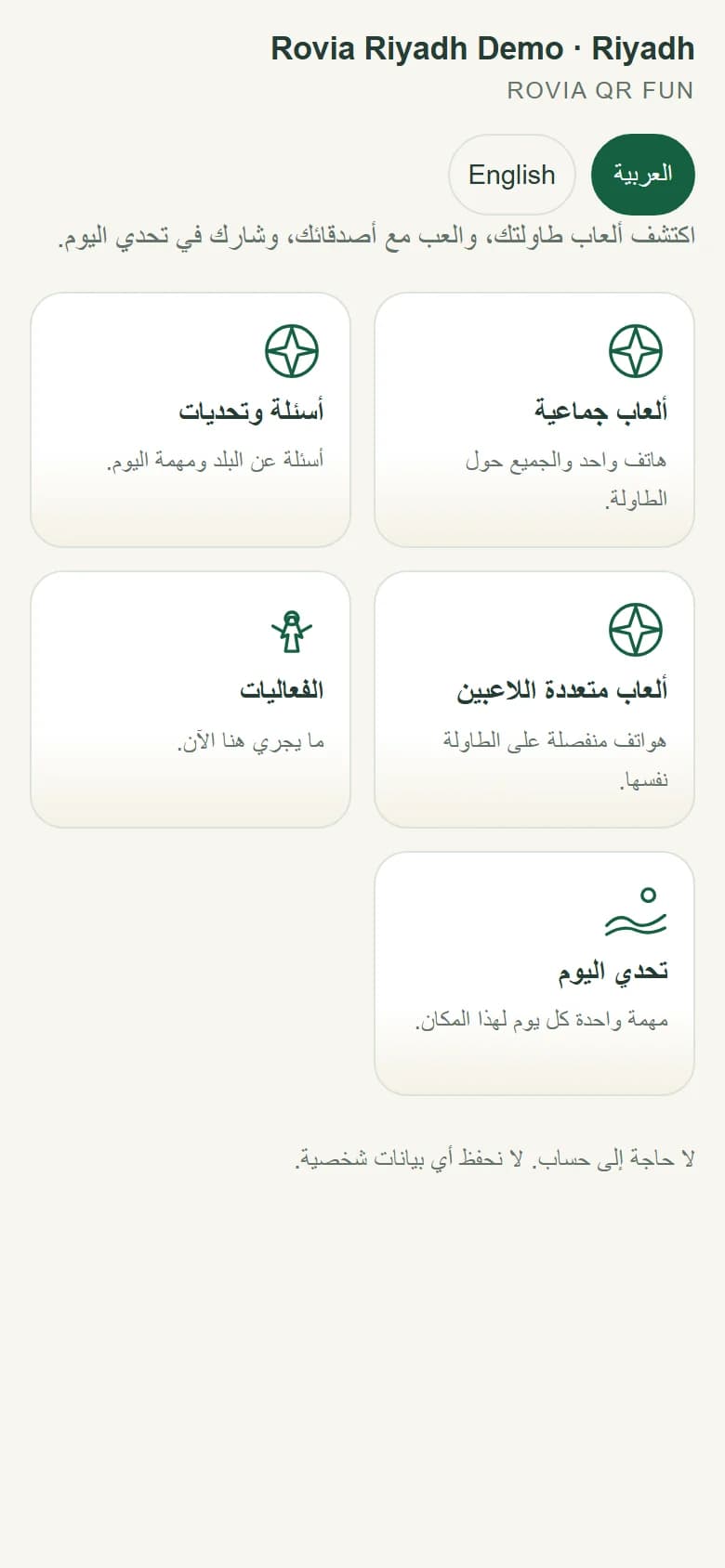
These screens were captured from the live demo QRs.
CUSTOMISATION
Every QR is linked to a specific venue. The country pack, language and active modules are set for that venue.
Turkish · English interface
Arabic · English interface
Arabic · English interface
Arabic · English interface
SETUP
Venue type, country, language and where the QR will be placed.
The games, quizzes and optional campaign space to switch on.
The QR is available in your venue panel as PNG and SVG, ready for table cards, menus or stands.
Content is updated without changing the QR; technical operations stay with Rovia.
Open the live demo on your phone or tell us about your venue. We will plan together which modules fit and where the QR should go.